
Your to-do list has been taunting you since this morning, but the day slipped away in meetings, email and "small emergencies." If that sounds familiar, the problem may not be your list: it's that the list isn't tied to any specific moment in your day.
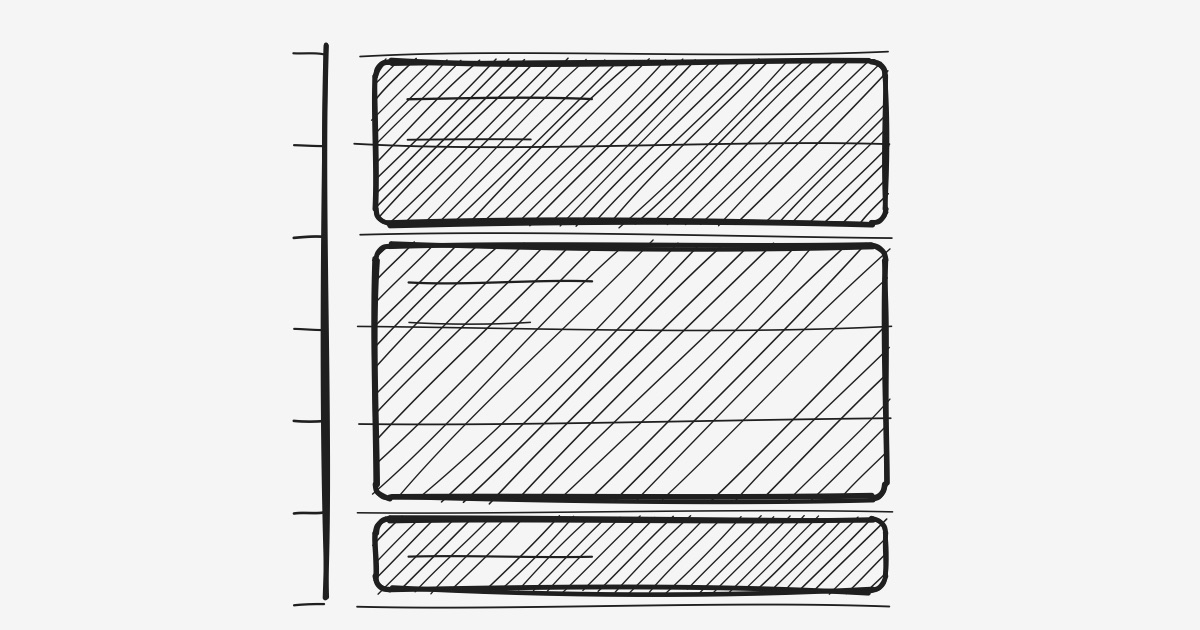
Time blocking fixes exactly that. Instead of a floating list, you assign each task to a concrete slot in your calendar. The result: a day decided in advance, and far less room for drift.
Contents
- What is time blocking?
- How to set it up in 5 steps
- Why it works
- Variants: task batching, day theming, timeboxing
- Time blocking and time tracking
- Limits and common mistakes
- FAQ
- Conclusion
What is time blocking?
Time blocking means splitting your day into time slots, each dedicated to a specific task or type of work. Concretely, your calendar no longer holds only your meetings, but also your "writing," "development," "email" or "prospecting" blocks.
The difference from a plain to-do list is fundamental: a list answers what to do, time blocking answers when to do it. And it's that "when" that most people are missing.
How to set it up in 5 steps
- List your tasks and estimate their duration. Without estimates, you'll overload your days (see estimating project time).
- Place the non-negotiable blocks first. Meetings, appointments, breaks. These are your fixed points.
- Block your deep-work stretches. Reserve your best hours (often the morning) for the most important task — not email.
- Batch the small tasks. A single "admin" block beats ten scattered micro-interruptions.
- Leave slack. Reserve 20–30% buffer for the unexpected. A day blocked to 100% derails at the first surprise.
Why it works
- It forces prioritization. A day has a finite number of blocks. Filling them makes you choose what truly matters — and say no to the rest.
- It fights Parkinson's Law. Giving a task a bounded slot stops it from expanding indefinitely.
- It reduces context switching. One block = one type of work. You stop hopping between registers that each cost minutes of refocusing.
- It removes decision fatigue. The question "what do I do now?" is already settled. You execute instead of deliberating.
A to-do list tells you what to do. Time blocking decides when — and that's where it all plays out.
Variants: task batching, day theming, timeboxing
- Task batching: grouping similar tasks into one block (all calls, all email) to limit switches.
- Day theming: dedicating whole days to a theme (Monday = admin, Tue/Wed = production). Useful when context switching is your main enemy.
- Timeboxing: setting a maximum duration for a task and sticking to it, even if it isn't "perfect." Where a classic block reserves time, a timebox imposes a limit.
Time blocking pairs well with the Pomodoro Technique: the block decides when to work, Pomodoro structures how you stay focused inside it.
Time blocking and time tracking
Time blocking is your plan. Time tracking is reality. Comparing the two is deeply instructive: you blocked two hours for a task that took four? Your future blocks will be more realistic.
That plan-versus-actual loop is what turns time blocking from wishful thinking into a reliable system. By tracking your time, each day teaches you to block the next one better — and to stop over-filling your days.
Limits and common mistakes
- Over-filling the day. The #1 mistake: without buffer, the smallest surprise collapses the whole plan.
- Blocking too finely. Ten-minute blocks create exhausting rigidity. Aim for 30–90 minutes.
- Confusing plan and reality. A block is an intention, not a contract. Re-adjust without guilt.
- Ignoring your energy. Placing a demanding task in an energy trough dooms it. Block to your rhythms.
FAQ
Does time blocking work if my days are unpredictable?
Yes, provided you leave more buffer and block by "themes" rather than minute by minute. Even a half-blocked day beats a fully reactive one.
Time blocking or a to-do list?
They're complementary: the list gathers your tasks, time blocking places them in time. A list without blocks often stays a dead letter.
How long does it take to plan your blocks?
Ten to fifteen minutes, the evening before or in the morning. It's an investment amply repaid by the day that follows.
Should I block breaks and personal time too?
Yes. Explicitly blocking breaks, meals and personal time protects your energy and keeps work from spilling everywhere.
Conclusion
Time blocking needs no sophisticated tool: a calendar and the decision to tie your tasks to concrete slots. Its power is turning an intention ("I need to do this") into a commitment ("I'm doing it from 9 to 10:30").
Start small: block one deep-work stretch tomorrow morning, and protect it. Then compare plan to reality — that feedback is what sharpens everything. Puuunch lets you track the time actually spent per project, so your future blocks get steadily more accurate. See how it works.