
Features
Everything you need to track time. Nothing you don’t.
Puuunch covers the whole loop — log time, track expenses, review the week, and send it for approval — without ever feeling like accounting software.
Weekly timesheet
One clean week per screen, laid out like a journal. Log hours by project as you go, or type a total like “1h30”. Collapse finished days and focus on today.

Projects, clients & budgets
Organise time by project and client, each with its own colour and its own page. Set a budget in hours and get an email at 80% and again at 100%. Say how each project bills — not at all, a project rate, each person’s rate, or a fixed fee.

Expenses
Log what you spend right alongside your hours, browsable week by week just like your time. No separate tool to remember.

Approvals workflow
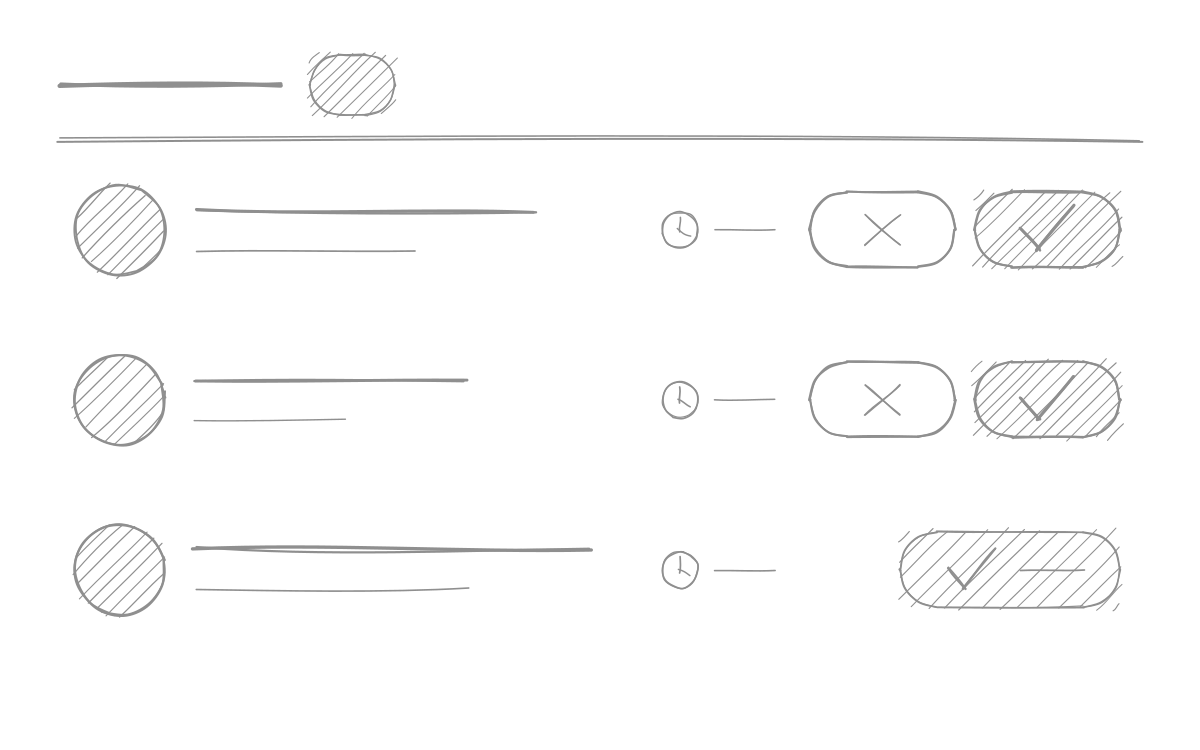
Employees submit a week, owners approve it or send it back. Submitted weeks lock automatically so nothing changes underneath.
Payroll totals
One line per person for the period you are paying: hours worked, overtime flagged week by week, and the expenses to reimburse once that week has been approved. Download it as a CSV or have it emailed to whoever runs the pay — they do not need an account.

Reports & CSV export
See total hours by project and by person, filter by date, employee, or project, and export everything to CSV whenever you need it.

Time off & holidays
Log a day off on the week you lived it: vacation, sick, a statutory holiday, or parental leave. Vacation and sick days come off the allowance you set, so “days left” is a number that moves. Statutory holidays are set once, from a Canadian or US preset.

Team dashboard
One screen for the questions a small team’s owner actually has: who has not filed their timesheet, the last eight weeks at a glance person by person, and what leave everyone has taken this year. Sorted worst-first, because that is who needs a word.

Frequently asked
Yes. Everyone logs their own week, submits it, and an owner or admin approves or declines it. A submitted week locks so nothing changes while it is being reviewed.
Yes, in the same weekly view as your time. Attach a PDF or an image up to 2 MB to any expense.
Reports export to CSV, filtered by date, person and project. Managers can also export the organization’s full records as one JSON file from Settings → Export.
No, and it is not planned. Puuunch produces a reliable record of hours; your invoicing software or your accountant does the rest.
No — it produces what a pay run needs and stops there. Pick a one- or two-week period and you get one line per person: hours worked, overtime counted week by week, and the expenses to reimburse. Download the CSV or have it emailed to whoever does the pay. Puuunch calculates no deductions and pays nobody.
Yes. Set them once from a Canadian or US preset, and they stop skewing your totals. Someone can also mark the day itself as a statutory holiday on their own week.
Yes. Set each person’s allowance in hours, and they log a day off on their timesheet like any other entry — vacation, sick, statutory or parental. What is left comes off the allowance, and the owner sees the whole team’s balances on one screen.
Yes, in hours. Puuunch emails you once when the project passes 80% of it and again at 100%, and the project page shows how much is left. Raising the budget re-arms both warnings.
Yes. The dashboard lists everyone with their last eight complete weeks, worst first, so a habit of not filing shows up rather than a single missed week. Puuunch still sends no automatic nags — chasing people stays a human conversation.
No. Puuunch runs in the browser. A Mac menu bar app and an iOS app are on the way.
See it for yourself.
Your first week is free and takes about a minute to set up.